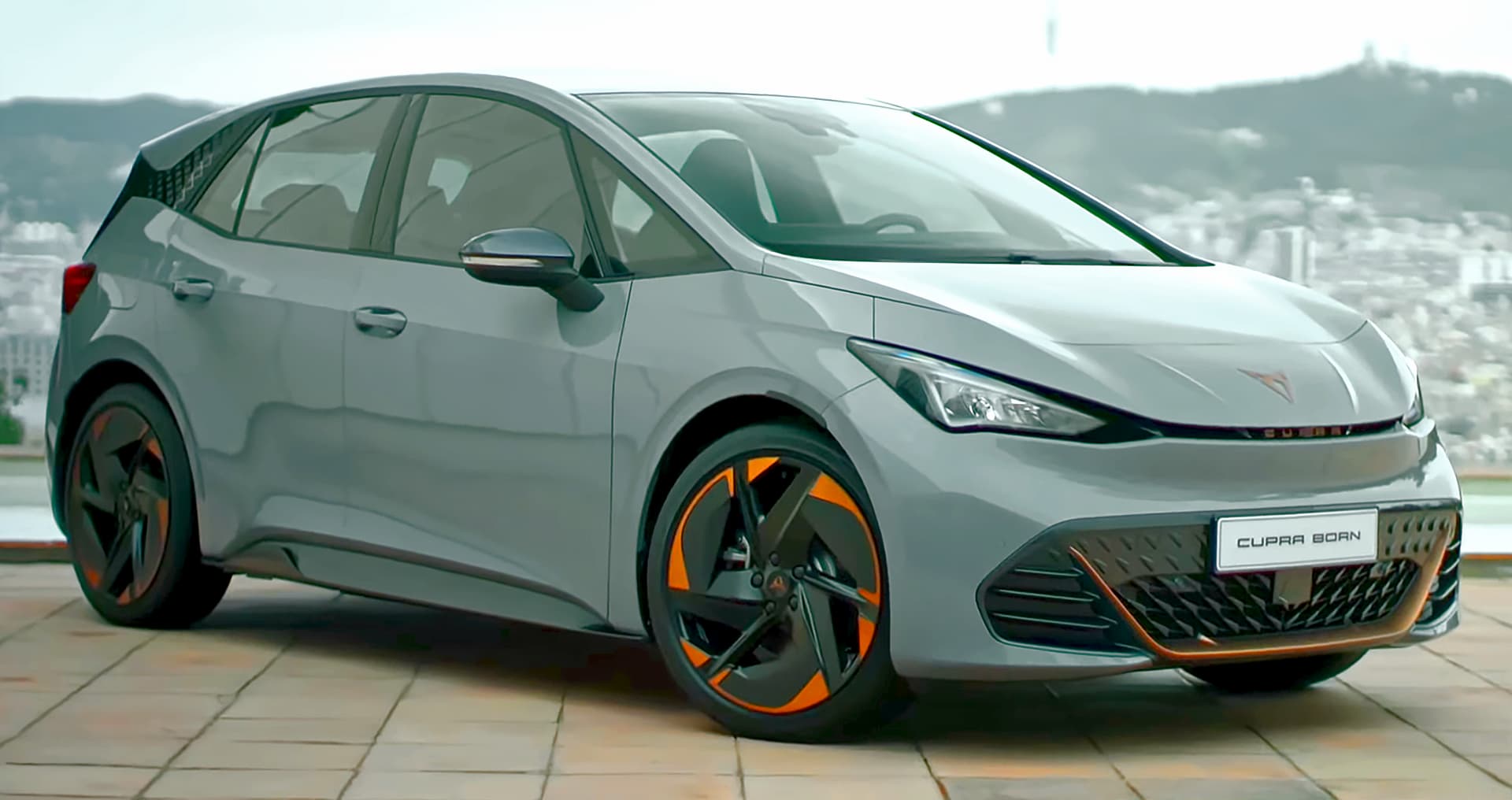
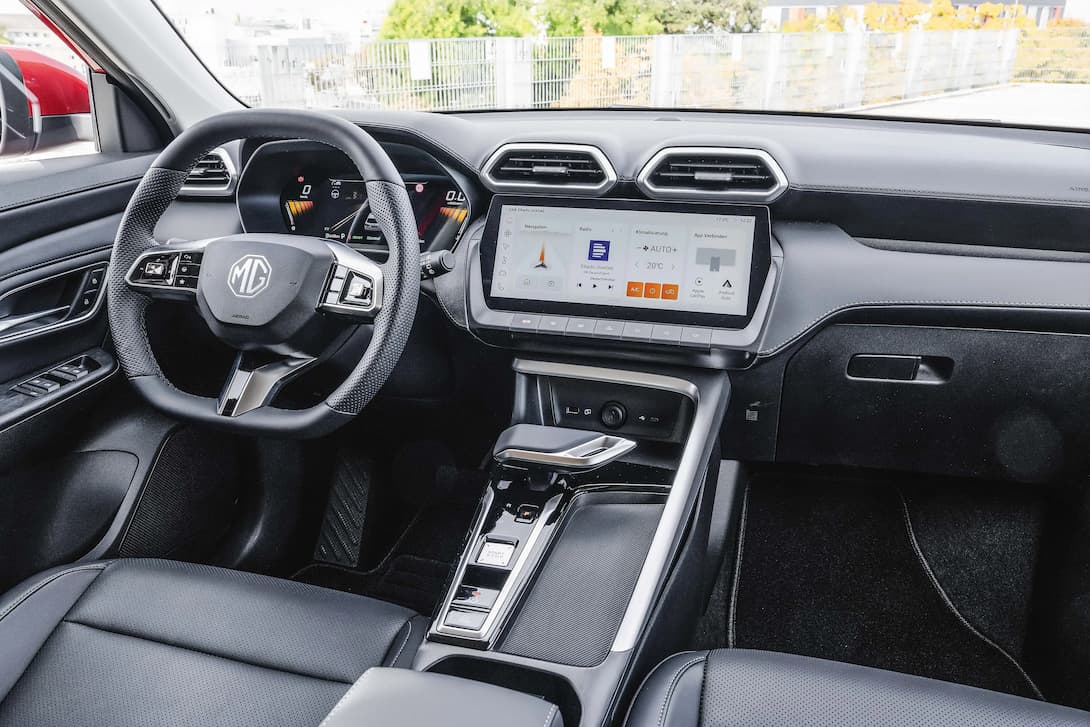
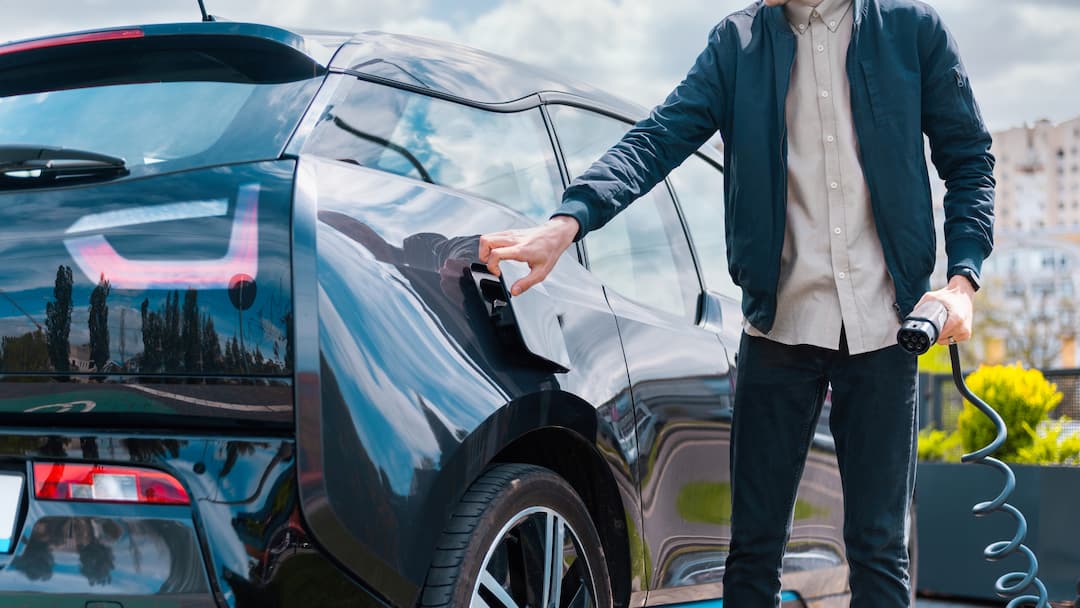
At Activacar, as electric mobility providers 100%, we offer a range of services to bring this type of mobility closer to more companies and people. And one of the main ones is nuestro antiguo servicio de carsharing 100% eléctrico, with the entire service managed through our Activacar App.
In this new entry, we're going to break down our application, to show its full functionality and the entire procedure from profile creation to managing our vehicle reservations.
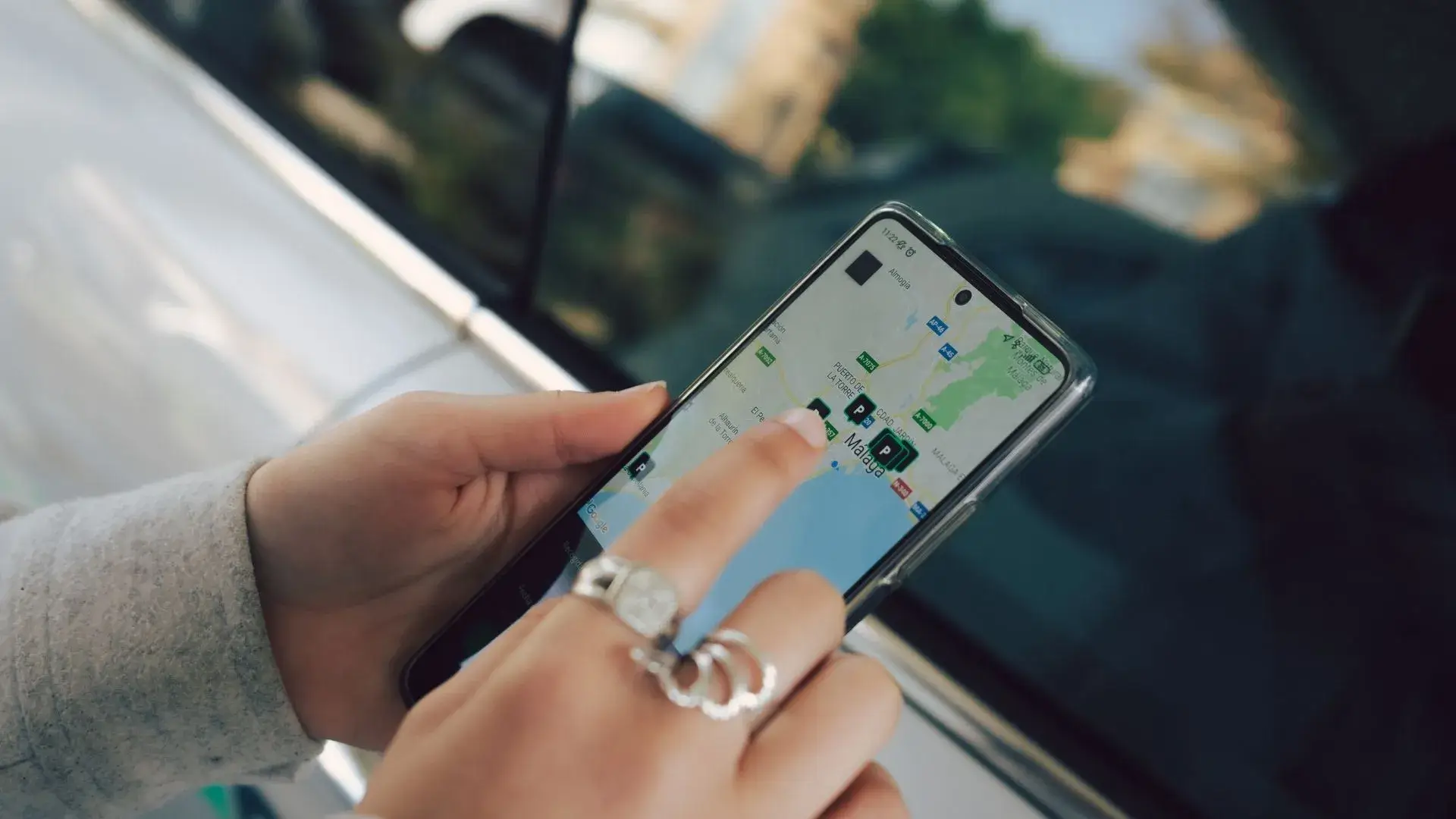
What do I need to know before installing the Activacar app?
Our Activacar app is the channel through which you can access and enjoy our car-sharing services., and make a reservation for one of our electric cars.
But before starting with the detailed explanation of the Activacar application, hay dos factores que creemos necesario aclarar para así poder disfrutar de nuestro antiguo servicio de carsharing sin ningún tipo de problema:
- Firstly, relating to The typology of car-sharing What we offer in our Activacar app, Round-trip“, which means that the user who uses the service You must leave the vehicle in the same place where you started your booking at the end of your reservation..
- Secondly, that it is not a service accessible to just anyone, but rather You must belong to one of the companies, hotels, tourist apartments or residential complexes that we work with at Activacar.
How to access the Activacar app?
To be able to access the Activacar application installation No problem, There are two actions that we need to carry out beforehand, so that we can receive the correct information and you can book one of our electric vehicles without any problems:
- Activacar Subscription Through the registration forms of the companies we work with, in order to subscribe to Activacar's services, and to be able to communicate with our users and send them notices, promotions, etc.
- Activacar With the Instructions received via our emails, once we have subscribed to Activacar in the previous step. Here it is very important to check the mailbox desired o Spam, in case the emails had ended up there.
How is the Activacar app used?
Next, we will go through all the steps required in the Activacar application to reserve one of our vehicles. In the following video, we will take
1st Creation of the driver profile:
Once we have the Activacar application installed, we will need to proceed to Create driver profile, creating the user with an email and password, entering your details personal and Accepting our privacy policy, terms and conditions from Activacar's car-sharing service.
And you can rest.
2nd Document validation:
The next step, is the most important for being able to book and drive one of our vehicles. You will have to upload your to the application. National ID and driving licence, to be able to validate you as a driver. The process can be carried out by scanning or manually uploading the document data.
3. Book an Activacar 100% electric vehicle:
Once your data and documents have been validated, you will be able to to make a booking for any of the vehicles we have available On the company, hotel, tourist apartment, or residential complex to which you belong.
You will only have to Select the location Where would you like to book the vehicle?, the pick-up and return date, Select the vehicle that you want from those available, and finally confirm your booking.
4. Start a booking:
Once we have confirmed our reservation, the next step will be Start booking in question. Before you can do so, you will be asked to Check the vehicle for cleanliness and damage.
If you find that the vehicle is dirty or has any damage, you can let us know through the notices in the app. And regarding damage, if other users have reported any prior to your booking, a notice of it will appear for you to validate.
After the vehicle status has been validated, you can proceed to make your reservation. The vehicle will be in the designated area for it at your location, and the locking and unlocking of the doors is also done using the Activacar app, clicking the “open padlock” buttons to unlock the doors, and the “closed padlock” button to lock them.
5. Complete the booking
When When you want to finalise your reservation, you will only have to Click the “finish booking” button”. A check of the vehicle's cleanliness and any damage will be carried out again, in case there were any issues related to the condition of the vehicle in your booking, you can report it.
Finally, you will have to Validate 4 actions to finalise your booking:
- What the vehicle is parked correctly in the designated area, which will be the same location from which you started your booking.
- What Ensure you have all your personal belongings with you, to ensure that nothing remains inside the vehicle.
- Plug the vehicle into the charger, wherever possible, so that you can recharge the vehicle and the next user can start their reservation without any issues.
- Lastly, what you find yourself outside the vehicle with the doors closed, in order to complete the booking fully
These are all The steps you need to follow to access the Activacar application and to be able to book and enjoy our 100% electric vehicles.
If you are a company, hotel, tourist apartments, or residential complex, and you would like to use our car-sharing services for your employees or clients, Contact us here, and we will inform you of everything necessary to switch to Activacar's electric and sustainable mobility.
And if you're already enjoying our services, we invite you to Follow us on our social media, and thus be up to date with all our news and promotions.
Actividad actual de Activacar: el carsharing de este artículo pertenece a una etapa anterior. Si necesitas instalar o mantener puntos de recarga, puedes consultar nuestros servicios de recarga or contactar con Activacar. No ofrecemos nuevas reservas de vehículos ni renting desde esta página.